
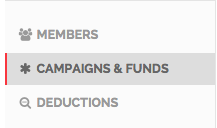
Setting up a campaign is easy! Simply log in to handup.org/admin, then click “Campaigns & Funds” from the left side menu.
Then click the blue “create new campaign” button.
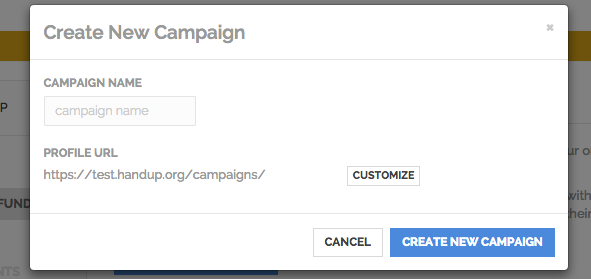
Fill out the pop-up with the name of the Campaign and the URL, then click the blue button to proceed.
Note: You cannot change the URL once it has been set.
Before you can officially launch your campaign, you'll need to fill out all the sections outlined below: The Basics, Story, Cover Photo, & Giving Levels
You'll need to go through each on of these sections and fill out the forms accordingly.
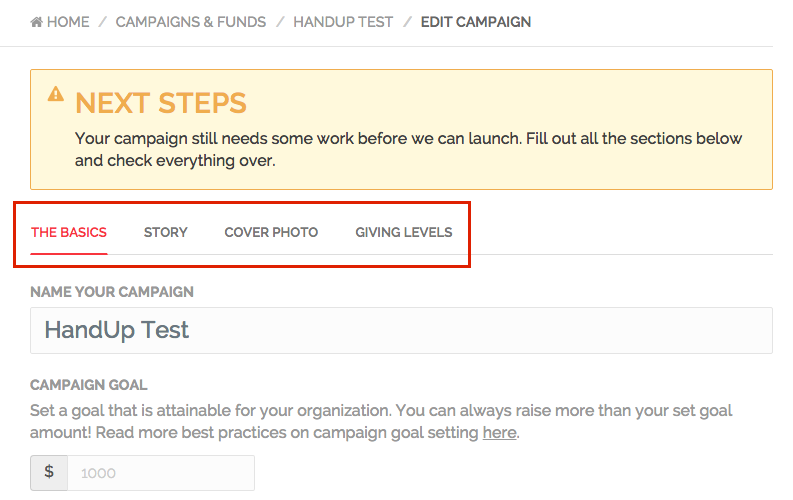
Once you've filled out each tab outlined above, please set the Campaign to review. If you need any other assistance please reach out to HandUp Support at info@handup.org
Comments
0 comments
Please sign in to leave a comment.