
Every time a transaction is made, partners are responsible for tracking the transaction in the HandUp Dashboard.
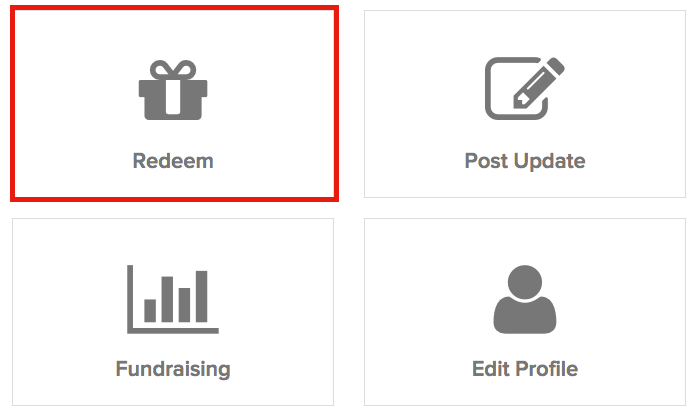
From handup.org/admin, search and select the appropriate member's account page and click "Redeem" when the prompt below appears.
Step 1 Redeem Goal:
Enter information for each item or service purchased. For each item, fill out the following fields:
- “What is it?” - very short description of the item or service purchased
- "Category" - pick a category that best describes the item or service
- “How much is it?” - exact cost of the transaction
- “Proof of Purchase” - specific accounting tracking information, or notes regarding the transaction (i.e. - check # if using a check, Amazon tracking # if bought on Amazon, etc)
Additional items can be entered by clicking on "+ Add Another Item" below the first item information. Once you are finished, click "Next."
Step 2 Member Update:
Update Donors. It's important to send a message to donors to know that their donations have made an impact, this helps strengthen the platform and bring in future donations.
You will work with the member to write an update to the member's donors. Staff have the option to write a note, and the member can write something in their own words, so please be sure to ask the member what they would like to say to the donor.
Include in Updates:
1. What was the member able to get or do with their HandUp points?
2. Why is this important to them?
3. How does this help them meet their larger goals?
4. A thank you to donors
5. Anything else the member wants to add about their current situation or future goals
Example update
"I was able to get a pair of shoes and a jacket thanks to your support! I’ve been getting sick sleeping outside in the cold, and this jacket is a lifesaver, keeping me warm and dry. With shoes I’m able to walk to appointments without hurting my feet. I just wanted to say thank you very much. I appreciate the "HandUp" you gave me- it helps a lot."
Note: If the donation is being used toward something other than the member’s stated needs in their profile/goal, please inform donors as to why the member’s need has changed. Transparency is crucial to keeping our donors engaged and loyal to HandUp! (We have found that donor's don't mind if the goals change, as long as we remain transparent and they know their donation is making a positive impact.)
Step 3 Update Goal:
You can immediately choose the option to "Set a New Goal", "Keep Flexible Fundraising", or if you'd like to stop accepting donations you can Set Profile to "Success". You can decide with the member how they would like to proceed.
If you have further questions on this process please email : support@handup.org
Comments
0 comments
Please sign in to leave a comment.